Have you been working on a lab computer, and accidentally hit the wrong hot key and now you have a rectangle magnifying or minimizing your screen? Or do you yearn to minimize or maximize your screen in a small box? Learn how by following these instructions.
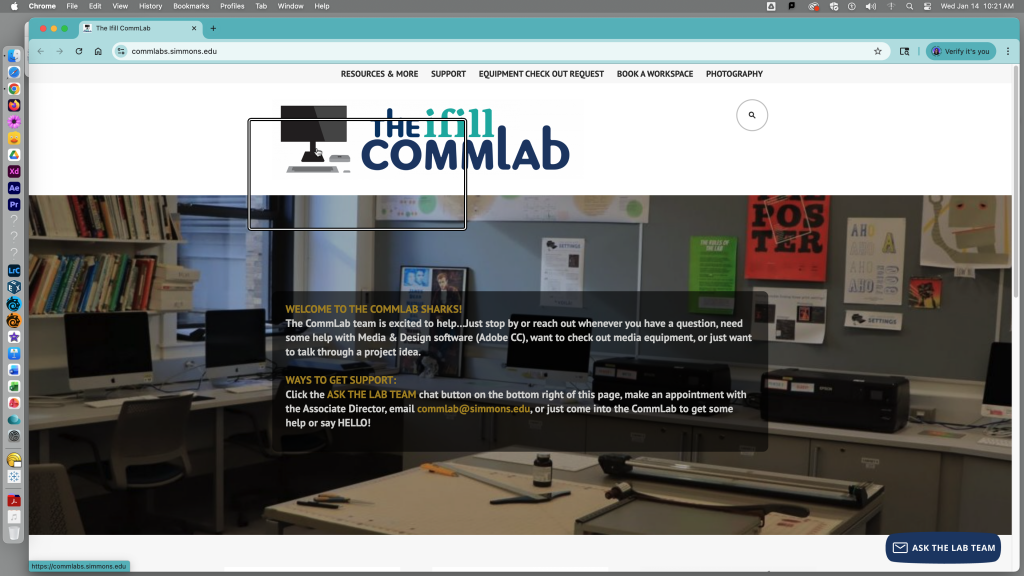
To get this box to go away or appear, hit Option-Command-8.
To get this box to zoom, hit Option-Command-Plus Sign (+).
To get this box to minimize, hit Option-Command-Minus Sign (-).
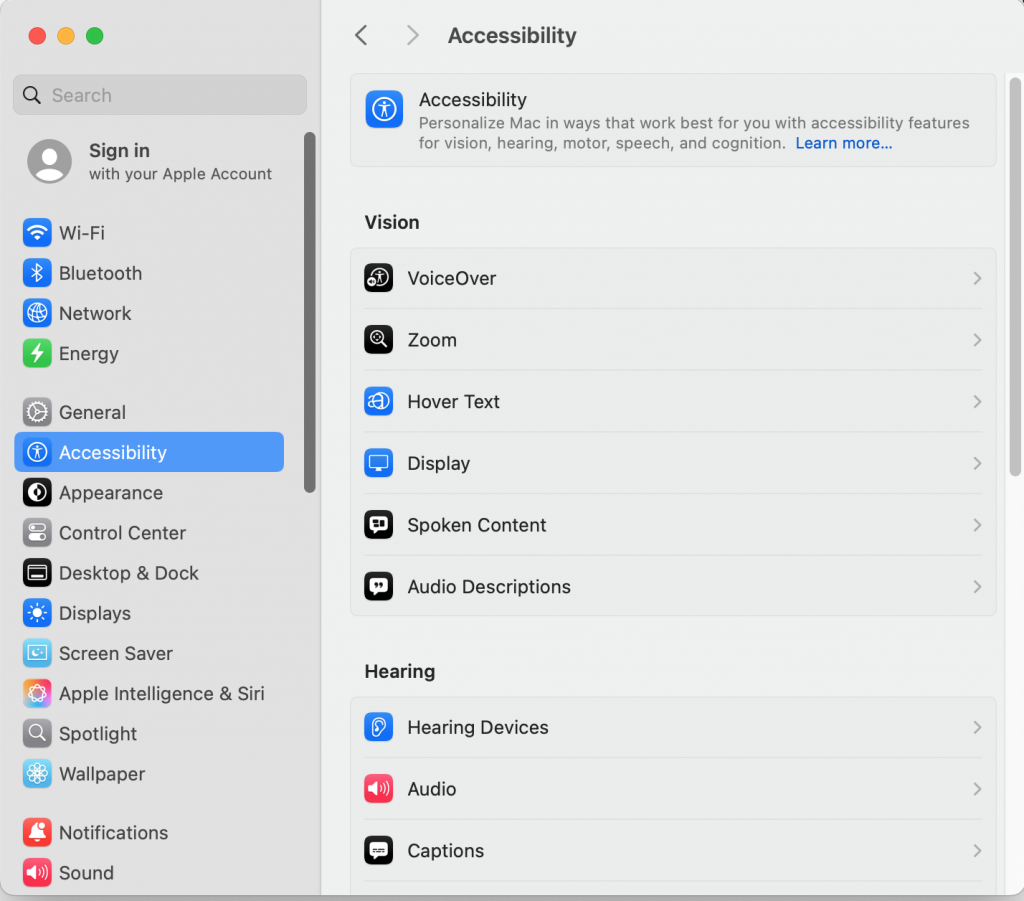
To change the size of the zoom box, go into system settings and click on “Accessibilty”
Click on the “Zoom” Option
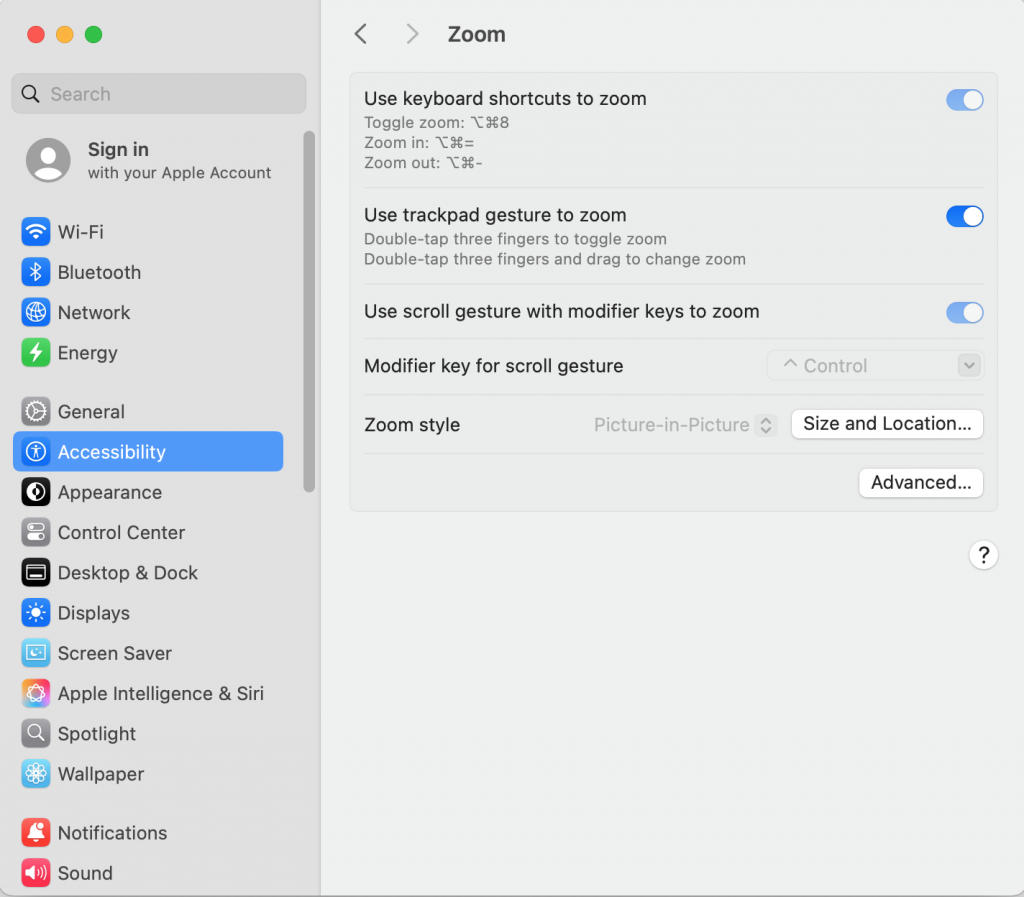
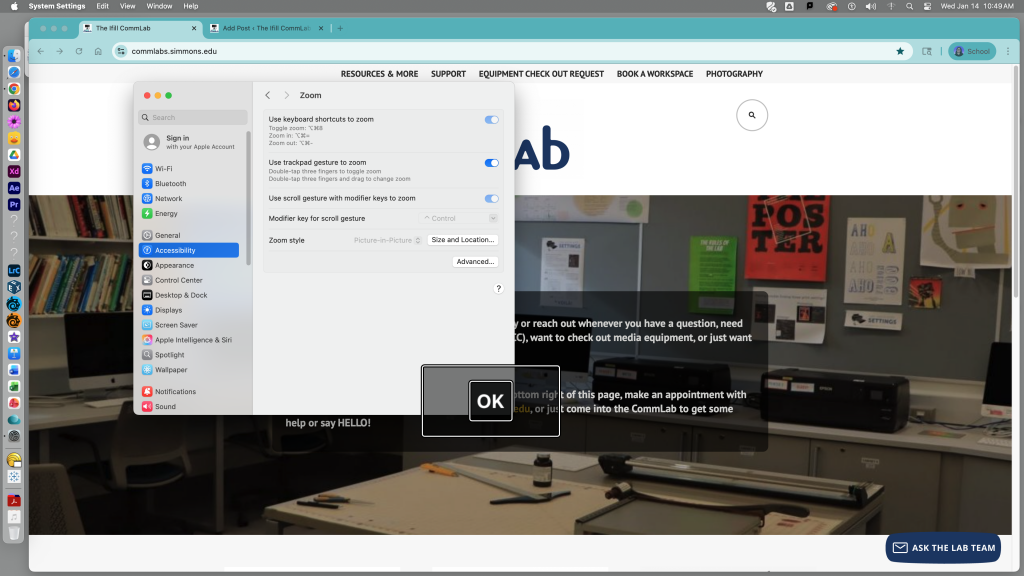
Click “Zoom syle” “Size and Location” and a transparent box will appear. Use your cursor to expand the rectangle to your liking.